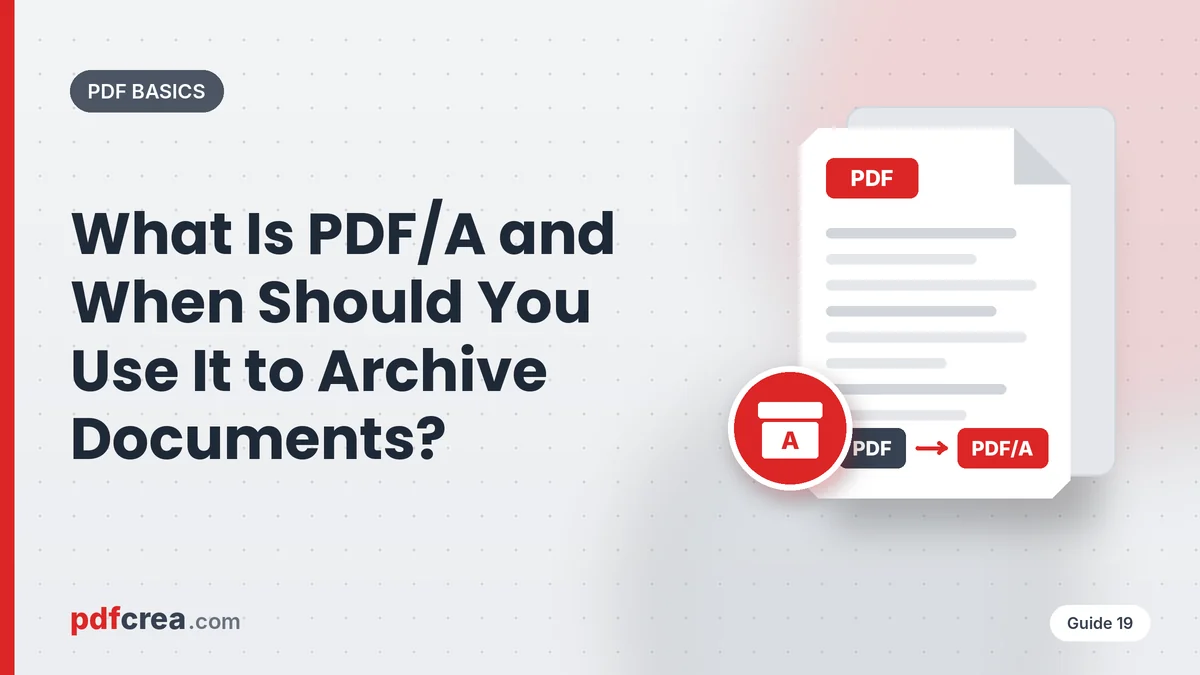
If you’ve ever submitted documents to a government agency, a court or a university, you may have been asked for the file “in PDF/A format.” Many people don’t know what that means or how it differs from a regular PDF. This guide explains it.
What PDF/A Is
PDF/A is a variant of PDF designed specifically for long-term archiving. The “A” stands for Archive. It’s defined in the ISO 19005 standard and its goal is to guarantee that a document can be opened and will look exactly the same in 10, 20 or 50 years, with any compatible software.
How It Differs From a Regular PDF
To achieve that durability, PDF/A enforces some rules:
- Fonts must be embedded: the document can’t depend on typefaces installed on the computer.
- Device-independent color definitions.
- No external content: references to files or resources outside the PDF aren’t allowed.
- No encryption or passwords, which could block access in the future.
- No embedded JavaScript, audio or video.
- Standardized metadata describing the document.
PDF/A Variants
| Variant | Based on | Main features |
|---|---|---|
| PDF/A-1 | PDF 1.4 | The first version; very restrictive |
| PDF/A-2 | PDF 1.7 | Supports transparency, layers and JPEG2000 compression |
| PDF/A-3 | PDF 1.7 | Allows attaching files of any type (e.g., invoice XML) |
| PDF/A-4 | PDF 2.0 | The newest, simplified version |
Each version can also have conformance levels: b (basic, guarantees visual appearance), a (accessible, with structure and tags) and u (Unicode text, so it can be searched and copied correctly).
When You’ll Be Asked for PDF/A
- Government agencies and online public services.
- Courts for electronic filing.
- Universities for submitting theses and dissertations.
- E-invoicing in some countries (with PDF/A-3 and attached XML).
- Corporate archives in regulated industries like banking, insurance or healthcare.
How to Convert a PDF to PDF/A With PDFcrea
- Open the PDF to PDF/A tool.
- Upload your document.
- Select the variant you’ve been asked for, if the tool allows it (if none is specified, PDF/A-2b is usually a safe choice).
- Click Convert and download the file.
Tip: if the document has a password, remove it first with Unlock PDF, since PDF/A doesn’t allow encryption.
Things to Keep in Mind
- Digital signatures may be invalidated by conversion. Convert first and sign afterwards with Sign PDF.
- Scanned documents can be PDF/A too. If you apply OCR, they’ll also be searchable.
- File size may increase slightly because all fonts are embedded.
- Validate the result if the organization requesting it provides its own validator.
Frequently Asked Questions
Does any reader open a PDF/A?
Yes. A PDF/A is a PDF, so any reader or browser opens it. Some apps show a notice saying the document is in archive mode.
Can a PDF/A be edited?
It can, but editing may make it non-compliant. Ideally, edit the original and convert again.
Which variant should I choose?
The one specified by the organization requesting it. If none is specified, PDF/A-2b is the most compatible.
Conclusion
PDF/A is the best guarantee that your important documents will remain readable many years from now. If you need it for paperwork or want to archive contracts, invoices or theses, convert them with PDFcrea PDF to PDF/A.
Related articles
How to Password-Protect a PDF: A Security Guide
Encrypt your PDFs with a password so only authorized people can open them. How to create strong passwords and share them without risk.
How to Move Tables From a PDF to Excel Without Retyping
Extract tables from invoices, bank statements and PDF reports into an editable Excel sheet. How to do it, what to check and tricks to clean up…
How to Remove the Password From a PDF You Own
Remove the open password or printing and copying restrictions from your own PDFs. Types of protection, steps and responsible use.
Leave a Reply